5 Free Browser Tools Every Developer Needs in 2026
Five fast, free, privacy-first browser tools every developer should bookmark - JSON formatter, regex tester, JWT decoder, and more.
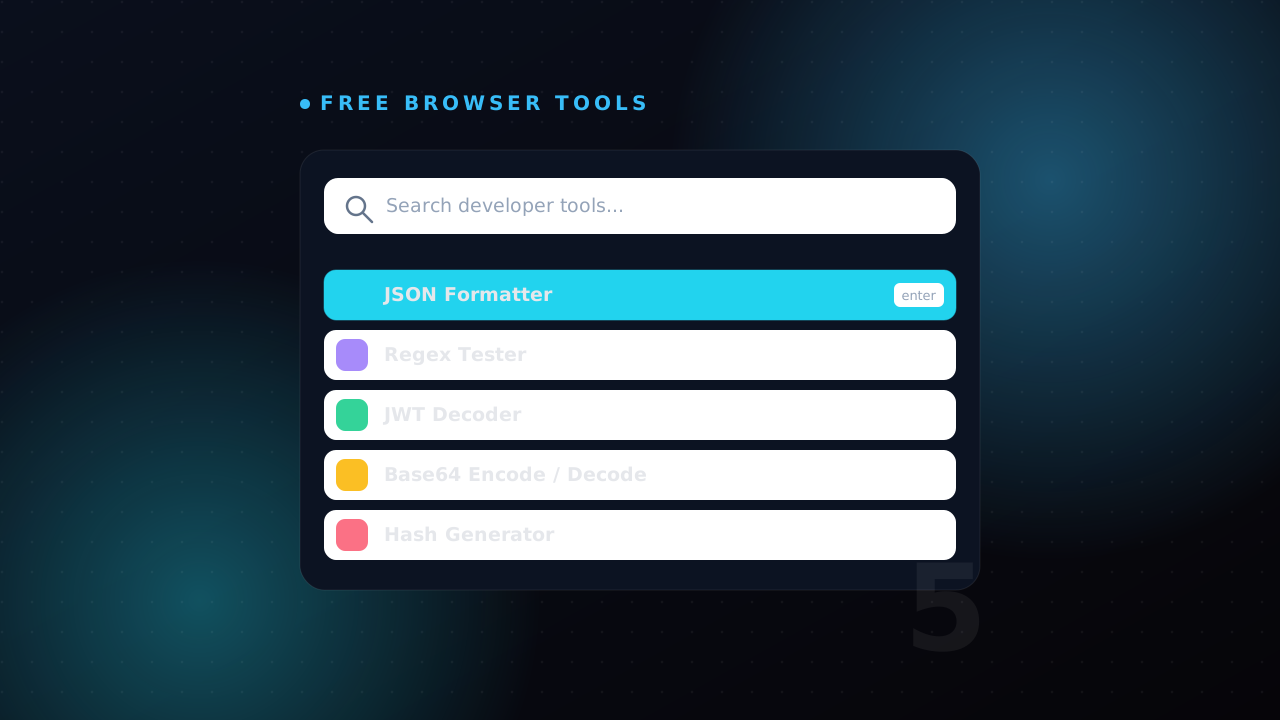
I have a folder of bookmarks I open more often than my IDE. Not Stack Overflow, not the framework docs - small single-purpose tools that take a blob of text and hand back something useful. A JSON response that finally lines up. A regex that does what I thought it did. A JWT I can actually read instead of squinting at three base64 chunks glued together with dots.
For years I reached for whatever ranked first on Google for "json formatter". Then I started paying attention to where my data was actually going. A lot of those popular tools quietly POST your input to a server so they can show ads, log usage, or "improve the product". When the thing you paste is a production API response or a token tied to a real session, that is not a detail you get to wave away.
So here is my honest shortlist: five free, fast, privacy-first browser tools I use every week. The privacy-first part matters - the ones I trust do all their work in your browser tab, in JavaScript, with nothing leaving the page. I rebuilt the set I use most into my own tools hub for exactly that reason, and I'll point to those as I go because I know precisely what they do (and do not) send anywhere.
1. A JSON formatter and validator
This is the tool I open the most, by a wide margin. You hit an endpoint, you get back one enormous minified line, and your eyes glaze over trying to find the one field that is null when it should not be. A good JSON formatter does three jobs at once: it pretty-prints with consistent indentation, it validates and tells you exactly where the syntax breaks, and it lets you collapse nested objects so you can navigate a large payload.
The validation is the underrated half. When an API returns broken JSON - a trailing comma, an unescaped quote, a stray newline inside a string - a formatter that points at line 47, column 12 saves you ten minutes of manual bracket-counting.
{
  "user": { "id": 42, "name": "Kalana", "roles": ["admin", "editor"] },
  "active": true,
  "lastLogin": "2026-06-17T08:30:00Z"
}
That is readable. The same thing as one 400-character line is not. Keep one open in a pinned tab and paste into it reflexively. Mine lives at /tools/json-formatter, and because it runs entirely client-side, you can format a real customer record without it ever leaving your machine.
The cheapest debugging tool in existence is making your data readable before you start guessing. Half the "bugs" I chase turn out to be a field that was a string when I assumed it was a number - and I only see it once the JSON is formatted in front of me.
That string-versus-number trap is worth a second look, because a formatter shows you the truth that loose typing hides. JavaScript will happily let "42" + 1 become "421", so a value quoted in the response is a real source of bugs once it flows into your code:
const res = { id: "42", active: "false" };
res.id + 1;          // "421", not 43 - it is a string
res.active === false; // false - "false" is a truthy string, never the boolean
If your work crosses formats, the same family of converters earns its keep: JSON to YAML for Kubernetes or CI config, JSON to CSV when a non-technical teammate wants a spreadsheet, and JSON to TypeScript to generate typed interfaces straight from a sample response so the compiler catches that "42" for you next time.
2. A regex tester with live highlighting
Regular expressions are write-once, read-never. I can write a pattern that works, and a week later I cannot tell you what it does without rebuilding it character by character. A live regex tester fixes that loop. You type the pattern on top, paste your sample text below, and matches light up in real time as you tweak.
The features that actually matter:
- Match highlighting so you see what is captured, not just whether something matched.
- Named capture groups broken out into a table, so
(?<year>\d{4})shows up asyearrather than "group 2". - Flag toggles for global, case-insensitive, and multiline, because forgetting the
gflag is the single most common regex mistake. - An explanation pane that translates the pattern back into English.
Here is a pattern I genuinely keep around for pulling ISO dates out of logs:
const pattern = /(?<year>\d{4})-(?<month>\d{2})-(?<day>\d{2})/g;
const log = "deploy at 2026-06-17 failed, retried 2026-06-18";

for (const m of log.matchAll(pattern)) {
  console.log(m.groups.year, m.groups.month, m.groups.day);
}
// 2026 06 17
// 2026 06 18
That g flag is exactly the kind of thing a tester catches before you ship it. Drop it and matchAll throws outright; on a method like test() it silently returns only the first match, which is worse because nothing tells you it is wrong. Building the pattern blind in code means a save-run-squint cycle for every change. Building it in a regex tester means instant feedback, and once it works you paste the final pattern into your editor. One caveat worth knowing: JavaScript regex, Java's Pattern, and PCRE differ in small ways - lookbehind support, named-group syntax - so confirm your tester targets the same flavour as your runtime before you trust the result.
3. A JWT decoder
If you build anything with authentication, you live inside JSON Web Tokens whether you like it or not. A JWT is three base64url segments - header, payload, signature - joined by dots. It is not encrypted, just encoded, which means anyone can read the claims. That is exactly why a decoder is so handy for debugging: you can see what your auth layer actually put in the token.
The usual questions a decoder answers in five seconds:
- Is this token expired? Check the
expclaim against now. - What scopes or roles did the issuer grant? Read the payload.
- Which
issandaudare set, and do they match what my API expects?
{
  "sub": "1234567890",
  "name": "Kalana Sandakelum",
  "role": "admin",
  "iat": 1718611200,
  "exp": 1718614800
}
One detail that trips people up: iat and exp are Unix timestamps in seconds, not milliseconds, so a quick mental check beats guessing. The token above expires one hour after it was issued - 1718614800 - 1718611200 = 3600. If you are comparing against JavaScript's Date.now(), remember it returns milliseconds, so the comparison is exp * 1000 < Date.now(). Getting that factor of 1000 wrong is how you end up debugging a "token expired in 1970" mystery.
Two warnings I will repeat until I am blue. First: because a JWT is readable by anyone, never put secrets - passwords, API keys, personal data you would not log - inside the payload. Second, and this is the privacy point: a token is a live credential. Pasting a production JWT into a random website means handing that site a working key to your session. Use a JWT decoder that decodes locally in the browser and sends nothing to a server. That is the whole reason I built mine that way.
For the rawer encoding work underneath JWTs - inspecting a base64 blob by hand, decoding a data URI - a plain base64 encoder/decoder is the companion tool I reach for next.
4. A diff checker
Not the git kind - the "two pieces of text that should be identical but clearly are not" kind. A config file that works on staging but not production. Two API responses that differ in some field you cannot spot. A block of generated code before and after a refactor. Paste both sides into a diff checker and it shows you, line by line and often character by character, exactly what changed.
I reach for this constantly:
- Comparing
.env.exampleagainst my actual.envto find the variable I forgot to set. - Diffing a vendor's sample request against mine when their API rejects my call with an unhelpful 400.
- Checking that a "no-op" formatting change really did not alter logic.
The trick that makes diffs trustworthy is normalising first. If one side has Windows line endings and trailing whitespace and the other does not, a naive diff screams about every single line. Those differences are real bytes, but they are not the ones you care about:
# CRLF vs LF: invisible in the editor, a wall of red in a diff
$ file staging.env
staging.env: ASCII text, with CRLF line terminators
$ file prod.env
prod.env: ASCII text
A good checker offers options to ignore whitespace and case so you see the differences that matter. When the inputs are JSON, format both with the same formatter first, then diff - now the only differences highlighted are real value changes, not cosmetic key-ordering or indentation noise. That two-step move, normalise then compare, turns the diff checker from a tool that cries wolf into one you actually believe.
5. A hash and UUID generator
This is really two small tools I group together because they solve the same shape of problem: generating a deterministic or random identifier without writing a throwaway script.
A hash generator computes MD5, SHA-1, SHA-256, and friends for any input. The everyday uses are verifying a file download against its published checksum, generating an ETag-style fingerprint for caching, or sanity-checking that two inputs really do hash to the same value. One thing to be clear about: MD5 and SHA-1 are fine for checksums and cache keys but are broken for anything security-sensitive, and none of these general hashes belong anywhere near password storage. For passwords you want a slow, salted algorithm like bcrypt or Argon2, run server-side - not a one-line SHA-256 in your browser.
The "verify a download" case is the one I use most, and it is worth doing properly. After you grab a release, compute its SHA-256 and compare against the published value:
$ sha256sum app-1.4.0.tar.gz
e3b0c44298fc1c149afbf4c8996fb92427ae41e4649b934ca495991b7852b855  app-1.4.0.tar.gz
Paste your input into the hash generator, set it to SHA-256, and the string it spits out should match that hash character for character. If a single character is off, the file you downloaded is not the file they published - stop and re-download before you run it.
A UUID generator produces v4 (random) identifiers when you need a unique key for a test fixture, a database row, or a correlation ID for tracing a request through a distributed system. It is faster than opening a REPL just to call one function:
# the moment you reach for the browser tool instead of remembering this
python -c "import uuid; print(uuid.uuid4())"
# 9f1c2e7a-4b3d-4f8a-bc21-6d0e5a7c9b14
While we are on identifiers and secrets, a password generator rounds out my daily kit for strong throwaway credentials. Like everything else here, it generates locally so the values never touch a network.
How to tell a good free tool from a sketchy one
The market is flooded with these tools, and the difference between a safe one and a data leak is not always obvious. My checklist before I trust one with real input:
- Does it work offline? Open the tool, disconnect Wi-Fi, and try it. If it still works, the processing is happening in your browser and nothing is being uploaded. This is the single best test.
- Open the network tab. Hit F12, paste your input, and watch the Network panel for outgoing requests. A privacy-first tool sends nothing when you process text; if you see a
POSTfire the instant you paste, you have your answer. - Is there a reason for it to phone home? A formatter, a regex tester, a hash function - none of these need a server. If one insists on a round trip, ask why.
- Ad density. The more aggressively a tool is monetised, the more incentive it has to harvest what you paste.
Treat every dev tool the way you treat a clipboard manager: assume whatever you paste could be stored, and only paste things you would be comfortable seeing in someone else's logs - until you have proven the tool stays local.
Wrapping up
You do not need a paid suite or a heavyweight desktop app to cover the boring 80% of daily development friction. Five small tools - a JSON formatter, a regex tester, a JWT decoder, a diff checker, and a hash/UUID generator - handle an enormous slice of the paste-poke-debug work that fills a normal day. The trick is choosing versions that respect your data by doing everything client-side, then pinning them so they are one keystroke away.
That is exactly why I built my own set: I wanted tools I could open without wondering where my production payload was being shipped. Have a look through the full tools hub, bookmark the three or four you would actually use, and if there is one you wish existed, tell me on the contact page - half the tools there exist because I needed them on a Tuesday afternoon and decided to build them properly.
Read next
All posts
How to Become a Java & Spring Boot Developer in Sri Lanka
A practical roadmap to becoming a Java and Spring Boot developer in Sri Lanka - skills, projects, and how to stand out.

Building this portfolio: motion, shaders, and a CMS
A quick tour of how this site is put together - Next.js 16, Framer Motion, a WebGL hero, and a Supabase-backed admin for projects, blog, and tools.
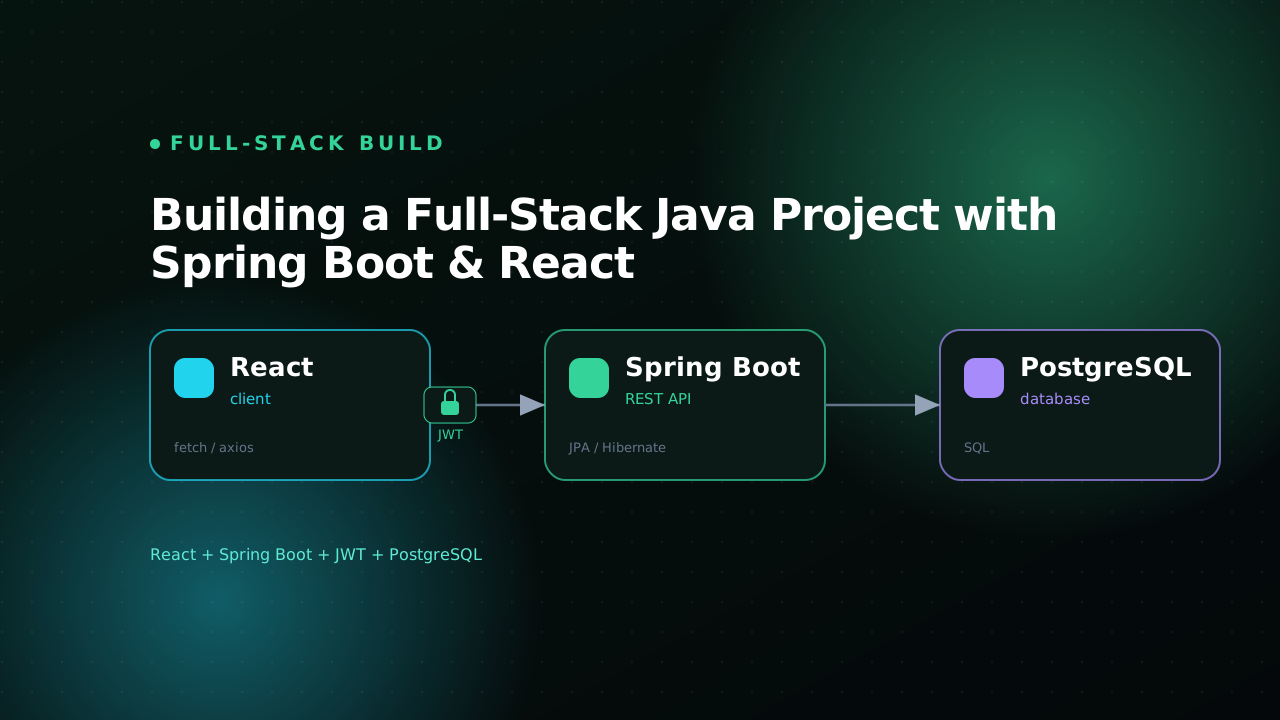
Building a Full-Stack Java Project with Spring Boot & React
A practical walkthrough of building a full-stack Java app with Spring Boot, React, JWT auth, and PostgreSQL.