How I Built 30+ Free Browser Tools with Next.js & Supabase
How I built 30+ free, client-side browser tools with Next.js and Supabase - architecture, performance, and privacy.
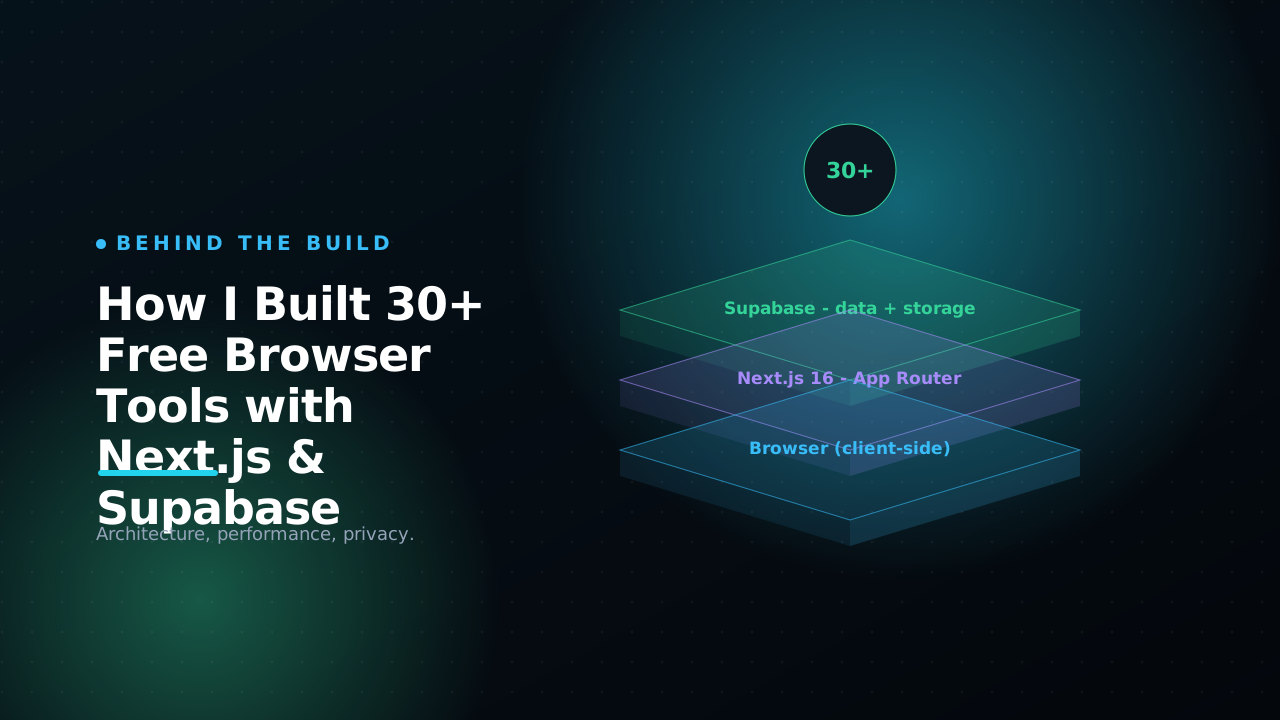
Every developer keeps a junk drawer of single-purpose websites bookmarked. A JSON formatter here, a JWT decoder there, a base64 encoder you only half-trust, a QR generator buried under three ad banners. Half of them quietly POST your input to a server you've never heard of, then wrap the result in a watermark and a newsletter popup. The day I pasted a staging JWT into one of those decoders and then realised I had no idea where that token just went, I decided to build my own. I kept building until there were more than thirty of them living at /tools on this site.
The interesting part was never any single tool. It is the architecture that lets one person ship and maintain 30+ utilities without the codebase rotting into a swamp. Every tool runs entirely in your browser, every page is server-rendered and indexable, and adding a new one is a three-step checklist I can do in an afternoon. The catalog itself is managed from a small admin panel backed by Supabase, while the actual computation never touches a backend.
This is the honest engineering writeup: how the pieces fit, why I split "the tool" from "the page that describes the tool," and the specific Next.js and Supabase patterns that made it cheap to scale past thirty. If you are building a tools directory, a docs site with embedded widgets, or any content site where each page is also a small app, the shape here will transfer directly.
The core idea: separate the catalog from the computation
There are two completely different kinds of data in a tools site, and conflating them is the first mistake people make.
The first kind is catalog metadata: the tool's name, slug, tagline, category, icon, gradient, whether it is published, and how it sorts on the listing page. This changes often, has nothing to do with code, and is exactly the kind of thing you want to edit at 11pm without cutting a release. It lives in Supabase.
The second kind is the actual functionality: the React component that formats your JSON or hashes your password. This is code. It ships in the bundle, gets code-split, and runs on the client. It should never live in a database.
So the model is a thin row in Postgres that points at a built-in component by key:
create table public.tools (
  id             uuid primary key default gen_random_uuid(),
  slug           text unique not null,
  name           text not null,
  tagline        text not null default '',
  category       text not null default 'Utility',
  kind           text not null default 'embedded'
                 check (kind in ('embedded','external')),
  component_key  text,          -- registry key when kind = 'embedded'
  external_url   text,          -- link target when kind = 'external'
  featured       boolean not null default false,
  published      boolean not null default false,
  sort_order     int not null default 0,
  created_at     timestamptz not null default now()
);
A row with kind = 'embedded' and component_key = 'json-formatter' tells the page "render the built-in JSON formatter here." A row with kind = 'external' just links out to someone else's tool. The database stores a pointer and some marketing copy, never logic. That single decision is what keeps the whole thing maintainable, and everything below follows from it.
Supabase as a read-mostly CMS, with a fallback that never breaks
Supabase is doing the unglamorous, correct job here: Postgres, plus auth, plus row-level security, plus a generated client. I treat it as a CMS the public only ever reads from.
Public reads go through a lightweight anonymous client with no session, which keeps pages fully cacheable:
function anon() {
  return createSupabaseClient(SUPABASE_URL, SUPABASE_ANON_KEY, {
    auth: { persistSession: false, autoRefreshToken: false },
  });
}

export async function getTools(): Promise<Tool[]> {
  if (!isSupabaseConfigured) return [];
  try {
    const { data, error } = await anon()
      .from("tools")
      .select("*")
      .eq("published", true)
      .order("sort_order", { ascending: true })
      .order("created_at", { ascending: false });
    if (error || !data) return [];
    return data.map(mapToolRow);
  } catch {
    return [];
  }
}
Two things in there matter more than they look. First, the isSupabaseConfigured guard plus the try/catch mean a fresh clone of this repo with no env vars still builds and runs. It shows an empty catalog instead of crashing the whole site. A portfolio that white-screens because a contributor forgot a secret is a broken portfolio, and that guard is the difference between "looks fine on my machine" and "actually works on anyone's."
Second, the .eq("published", true) filter is backed by Postgres row-level security, not merely trusted at the query layer. The policy lets anonymous users select only published rows, while my authenticated admin session reads and writes everything:
create policy "tools_select" on public.tools
  for select using (published = true or auth.role() = 'authenticated');
The query says
published = true, but RLS is what enforces it. If I forget that filter in some new query six months from now, the database still refuses to hand a draft tool to an anonymous visitor. Treat your WHERE clauses as a convenience and your RLS policies as the actual security boundary.
I also map snake_case rows into clean camelCase app types in one place (mapToolRow), so the rest of the app never sees component_key or sort_order. That mapper is the single seam between the database shape and the app shape, and it is imported by both the public site and the admin panel, which keeps the two in sync for free.
The registry: how one page renders thirty different tools
When you open a tool page, Next.js loads the row from Supabase and then has to turn the string "json-formatter" into an actual React component. The naive version of this is a giant switch statement that every contributor has to remember to update. I use a plain object instead - the registry - and let lazy imports do the heavy lifting:
const REGISTRY: Record<string, ComponentType> = {
  "json-formatter": dynamic(
    () => import("./JsonFormatter").then((m) => m.JsonFormatter),
    { ssr: false, loading: EmbedLoading },
  ),
  "hash-generator": dynamic(
    () => import("./HashGenerator").then((m) => m.HashGenerator),
    { ssr: false, loading: EmbedLoading },
  ),
  // ...one line per tool
};

export function ToolEmbed({ componentKey }: { componentKey: string }) {
  const Component = REGISTRY[componentKey];
  if (!Component) return <NotAvailableYet />;
  return <Component />;
}
The next/dynamic call with ssr: false is the load-bearing detail. Each tool is code-split into its own chunk and loaded only on its own page, only on the client. That matters because some tools pull in genuinely heavy dependencies. An in-browser background remover or a Tesseract.js OCR engine is a few megabytes of WebAssembly that has no business sitting in the password generator bundle, and none of those libraries can run during server rendering where window and document do not exist. ssr: false solves both problems with one flag.
The NotAvailableYet branch is quietly important too. Because the catalog is database-driven, I can publish a tool row before its component is wired into the registry, and the page degrades gracefully instead of throwing. The cost of a feature-rich tool is paid only by the people who actually open it. Adding a tool to the whole system stays at three steps: build the client component, add one line to this registry, and add a metadata entry so it appears in the admin's component dropdown.
Why everything runs in the browser, and why that is a feature
The privacy promise on every tool page - "runs in your browser, nothing is uploaded" - is not a slogan. It is enforced by the fact that there is no endpoint to upload to. The components call platform APIs directly.
Hashing uses Web Crypto, which is async and built into every modern browser:
async function digestHex(algo: string, text: string): Promise<string> {
  const data = new TextEncoder().encode(text);
  const buf = await crypto.subtle.digest(algo, data); // SHA-1/256/384/512
  return [...new Uint8Array(buf)]
    .map((b) => b.toString(16).padStart(2, "0"))
    .join("");
}
Base64 is the section where most online encoders quietly get it wrong. The classic btoa(s) throws the moment your string contains a character above U+00FF, so an emoji or an accented name breaks it, and the old btoa(unescape(encodeURIComponent(s))) hack relies on functions that have been deprecated for years. The correct move is to encode to UTF-8 bytes first, then base64 those bytes:
function encodeB64(s: string): string {
  const bytes = new TextEncoder().encode(s);  // proper UTF-8 bytes
  let bin = "";
  bytes.forEach((b) => (bin += String.fromCharCode(b)));
  return btoa(bin);                            // safe: every byte is 0-255
}

function decodeB64(b64: string): string {
  const bin = atob(b64);
  const bytes = Uint8Array.from(bin, (c) => c.charCodeAt(0));
  return new TextDecoder().decode(bytes);
}
Round-tripping "Kalana 🇱🇰 Sandakelum" through that pair gives you the original string back, accents and flag intact, which is the bar a base64 tool should clear before it ships. Image tools lean on <canvas> and the File API; QR codes are generated client-side and offered as PNG or SVG. There is no server bill that scales with traffic, no log of what anyone pasted in, and no cold-start latency. For a developer's clipboard tools, local-first is simply the right default. You can try these exact patterns live in the base64 encoder, the hash generator, or the JWT decoder.
Making each tool page a real landing page
A tools directory is a strong SEO surface - people search for "json to typescript" or "cron expression explainer" thousands of times a day - but only if each page is substantive. A bare embedded widget on a blank page ranks for nothing.
So I split content into two layers. The admin-editable Markdown description lives in the database, so I can fix a typo or add a usage note without a deploy. On top of that, a code-authored SEO module supplies a per-slug intro, feature list, step-by-step how-to, FAQs, keywords, and related-tool links. The page also emits JSON-LD structured data so Google understands what it is looking at:
const softwareLd = {
  "@context": "https://schema.org",
  "@type": "SoftwareApplication",
  name: tool.name,
  applicationCategory: "UtilitiesApplication",
  operatingSystem: "All",
  isAccessibleForFree: true,
  offers: { "@type": "Offer", price: "0", priceCurrency: "USD" },
};
SoftwareApplication, FAQPage, and BreadcrumbList schemas go on every tool page; the listing page emits an ItemList. The pages themselves use export const revalidate = 60 so they are statically served but pull fresh content from Supabase within a minute of an edit, and generateStaticParams pre-builds a route for every published tool at build time. The result is static-site speed served from the edge, with content I can still edit from a phone.
What I would tell you before you start
A few lessons that would have saved me real time:
- Keep logic out of the database. Storing pointers (
component_key) instead of code keeps every tool type-checked, testable, and reviewable in a git diff. The database is for content, not behaviour. - Pick a fallback story on day one. The "no env vars still works" rule forces clean boundaries and makes the project trivial to clone, demo, and onboard a contributor into.
- Code-split aggressively with
ssr: false. Heavy, browser-only tools must not tax the rest of the site, and anything touchingwindowcannot render on the server anyway. Per-tool dynamic imports handle both at once. - Treat RLS as the real fence. Application filters are a convenience; policies are the security boundary. Write both, and assume you will eventually forget the first one.
- Write the landing page, not just the widget. Per-page intros, FAQs, and JSON-LD are what turn a utility into something search engines actually surface.
The whole stack is deliberately boring: Next.js App Router for routing and rendering, Supabase for the catalog, plain browser APIs for the work. None of it is exotic, and that is precisely why one person can keep thirty-plus tools alive without burning out on maintenance.
If you want to poke at the result, the full collection lives at /tools - start with the JSON formatter, the regex tester, or the cron explainer. And if there is a utility you keep wishing existed, tell me. The three-step checklist means the answer is usually a quick yes.
Read next
All posts
How to Become a Java & Spring Boot Developer in Sri Lanka
A practical roadmap to becoming a Java and Spring Boot developer in Sri Lanka - skills, projects, and how to stand out.

Building this portfolio: motion, shaders, and a CMS
A quick tour of how this site is put together - Next.js 16, Framer Motion, a WebGL hero, and a Supabase-backed admin for projects, blog, and tools.
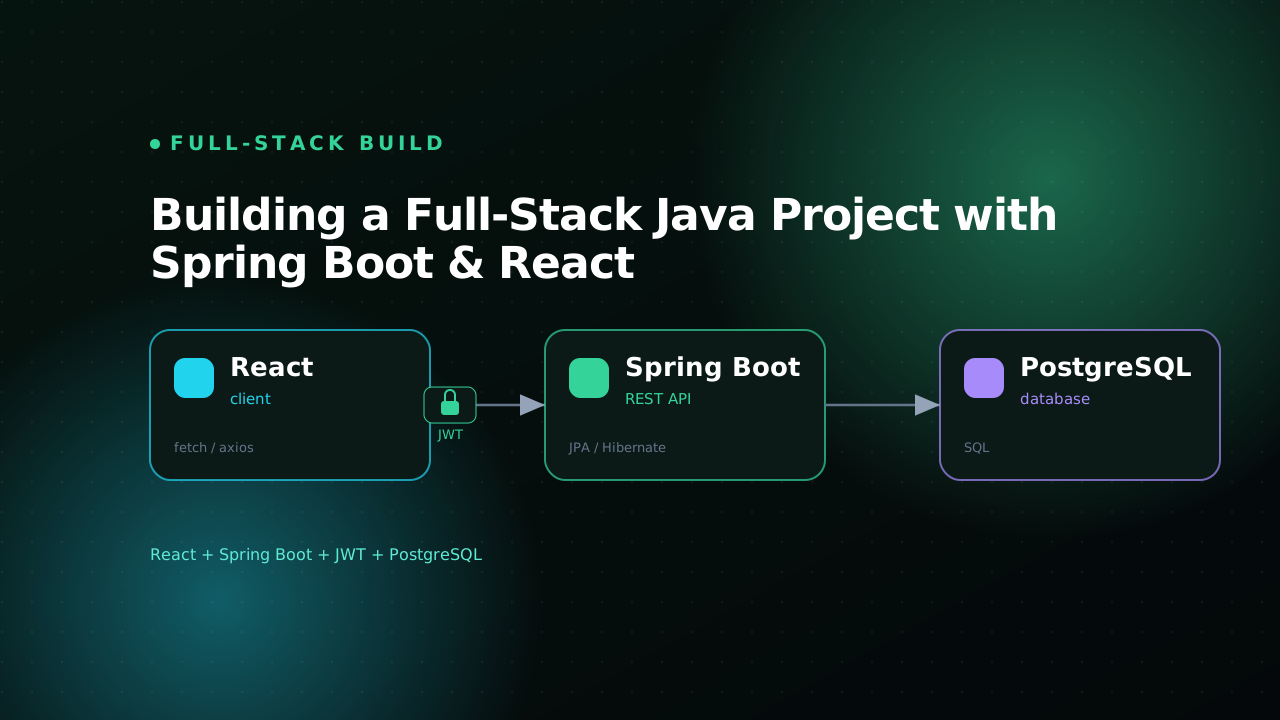
Building a Full-Stack Java Project with Spring Boot & React
A practical walkthrough of building a full-stack Java app with Spring Boot, React, JWT auth, and PostgreSQL.